
Project description
1. Initial Consultation
I began by meeting with the Jobizo team to understand their vision, goals, and specific requirements for the website redesign. This included discussing their target audience, branding preferences, and desired features.
2. Creating a Design Brief
Based on the initial consultation and research findings, I created a detailed design brief outlining the website’s structure, layout, color scheme, typography, and any other design elements to be included.
3. Wireframing
Before diving into full-fledged design, I created wireframes to visualize the website’s layout and functionality. This allowed for early feedback and ensured alignment with Jobizo’s expectations.
4. Design Mockups
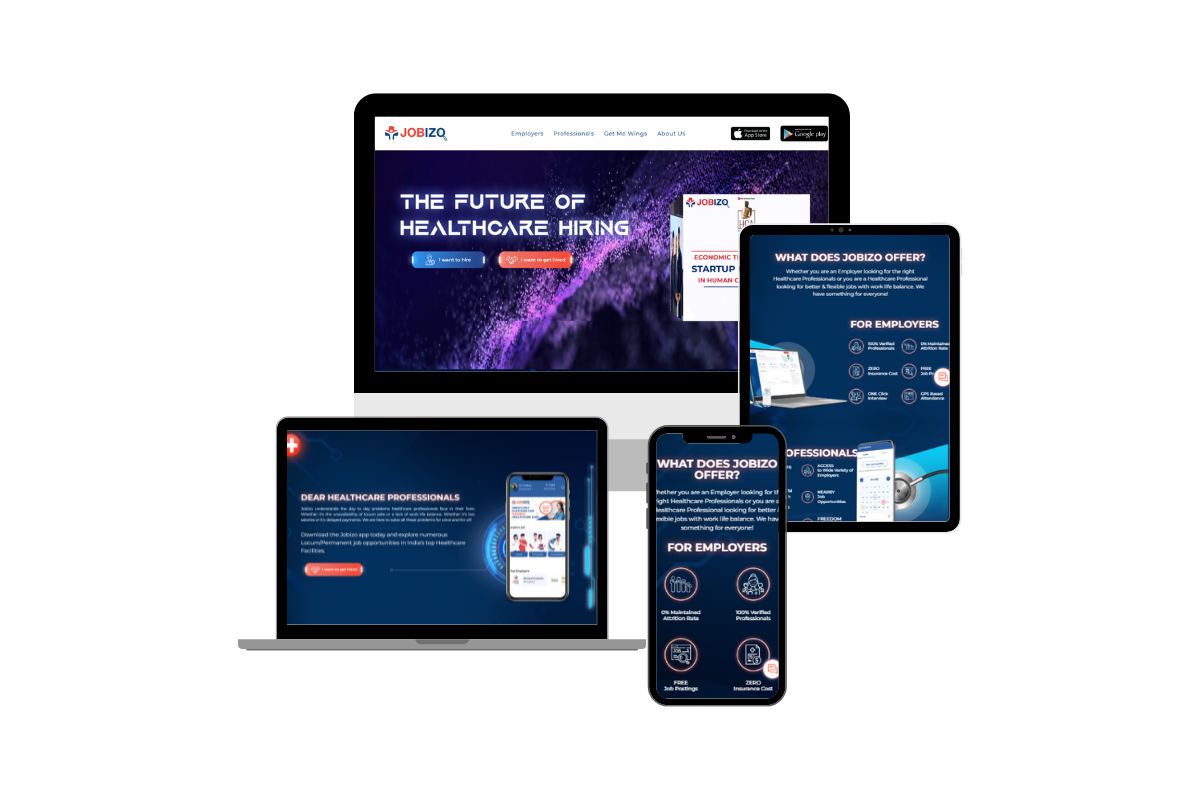
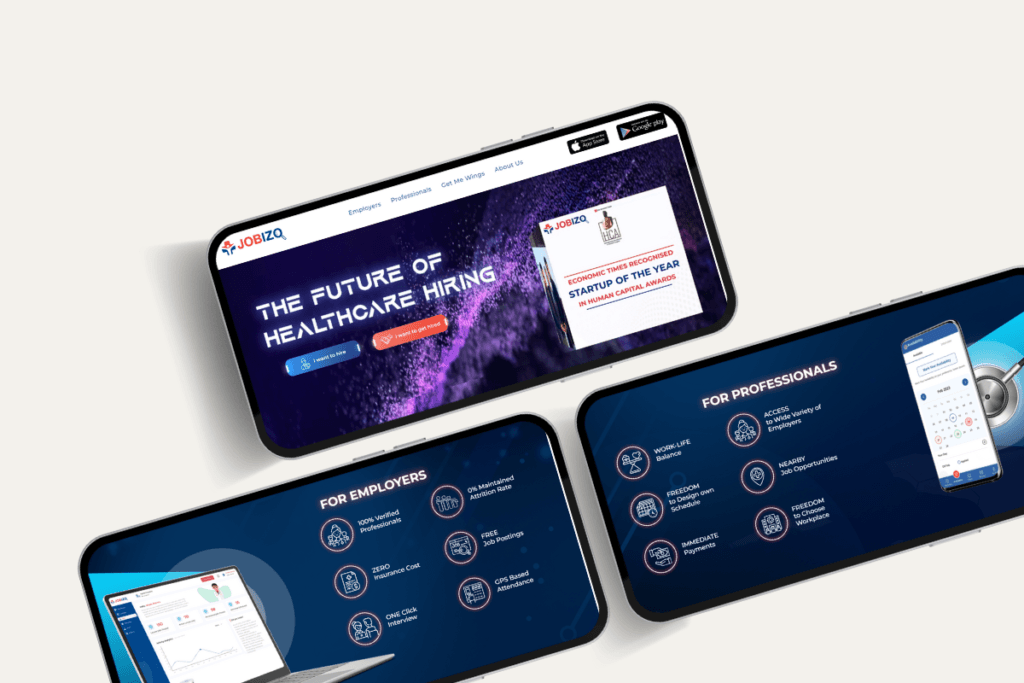
Using the wireframes as a guide, I designed high-fidelity mockups of the website’s key pages. These mockups incorporated the branding elements discussed earlier and provided a clear representation of the final look and feel.
5. Client Review and Iteration
I presented the design mockups to the Jobizo team for feedback and revisions. Through collaborative discussions, we refined the designs to better align with their vision and goals.
6. Development Planning
Once the designs were approved, I began planning the development process. This involved selecting the appropriate tools and technologies, as well as outlining the site’s architecture and functionality.
7. WordPress Setup
Since Jobizo requested a WordPress-based website, I set up a WordPress installation on the hosting server and configured it according to their requirements.
8. Content Integration
With the design and basic framework in place, I integrated Jobizo’s content into the website. This included job listings, company information, contact details, and any other relevant content provided by the client.
9. Testing and Optimization
Before launch, I thoroughly tested the website across different devices, browsers, and screen sizes to ensure compatibility and responsiveness. I also optimized the site for speed, performance, and search engine visibility.
10. Client Training and Handover
Once everything was finalized and tested, I provided training to the Jobizo team on how to manage and update their website using the WordPress admin interface. I also handed over any relevant documentation and files for future reference.